Line up the Alexa Mini vs. the RED Komodo, test how the Sony FX3 fares against the Blackmagic Pocket 6K: This free tool will give you everything from footage samples to letting you line up camera specs side-by-side.
Using the Cinema Camera Comparison Tool
We built this tool for Cinematographers, Camera Operators, Directors and Producers. Being able to compare metrics such as sensor specs, frame rate settings, weight, dimensions, but also notable productions shot with each camera will hopefully help you in deciding which camera is most appropriate for your project, and make it easier to rent your next camera in New York City. Our comparison metrics include:
Resolution
Sensor
Max Frame Rate
Reduced Frame Rate
Weight
Mount
Battery
Storage
Dynamic Range
Native ISO
Max ISO
Stabilization
Compatible Adapters
Battery Wattage
Available Codecs
Autofocus System
Notable Productions
Interface & Handling
Availability
Purchase Price
Dimensions
Monitor & EVF
Outputs
Audio Inputs
Manufacturer Docs
How do I use the CineData Codec Helper?
The CineData Codec Helper is an intuitive tool that helps you calculate storage requirements for your shoot:
Select your codec, resolution, and frame rate
Enter your shooting schedule (hours per day and total days)
Specify your camera setup (number of cameras and cards)
View real-time calculations for storage needs and backup requirements
How do I calculate the Data Rate of a Codec?
Data rate calculation depends on several factors:
Base codec rate (e.g., ProRes 422 HQ at 220 Mbps for 1080p)
Resolution multiplier (4K is 4x the data of 1080p)
Frame rate multiplier (48fps is 2x the data of 24fps)
The tool automatically calculates this based on your selections
Camera Specs – A Technical Guide
Codecs & Compression
A Codec is an algorithm that compresses data; in our case, it compresses motion picture data. Different codecs have different compression algorithms, so even for the same footage size and frame rate, they’ll produce wildly different amounts of data. This is where the trick is though – a lot of compression can be lossy and becomes detrimental in processes that require accurate information, such as green screen work or color grading.
Factors Affecting Camera Choice
Frequently asked questions & answers to help understand the key factors that impact which codec will be most appropriate for your project.
Why does my camera show different codec options in different resolutions?
Resolution and codec limitations are often linked:
Higher resolutions require more processing power and data bandwidth
Some cameras limit codec options at maximum resolution
Frame rate options may vary between codec and resolution combinations
Memory card speed can restrict available codec choices
Can my camera shoot x codec?
Codec availability depends on several factors:
Check your camera’s technical specifications
Some codecs require external recorders (e.g., ProRes RAW)
Firmware updates may add codec support
Higher-end cameras typically offer more codec options
Renting Our Camera Packages and Batteries in NYC
We’re a boutique rental house based in NYC, right next to Times Square. While you can use the CineSize sensor and lens tool anywhere in the world, you can rent the equipment directly from us the next time you’re shooting in NYC.
How does the rental process work with you?
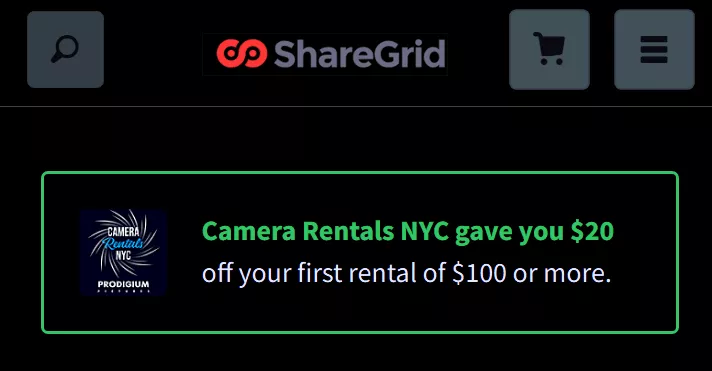
We run our entire rentals setup digitally up until you come to grab the gear in person. We both offer rental directly on our site, as well as through a platform called ShareGrid (check our inventory there); get a discount on your first rental with this link on us.
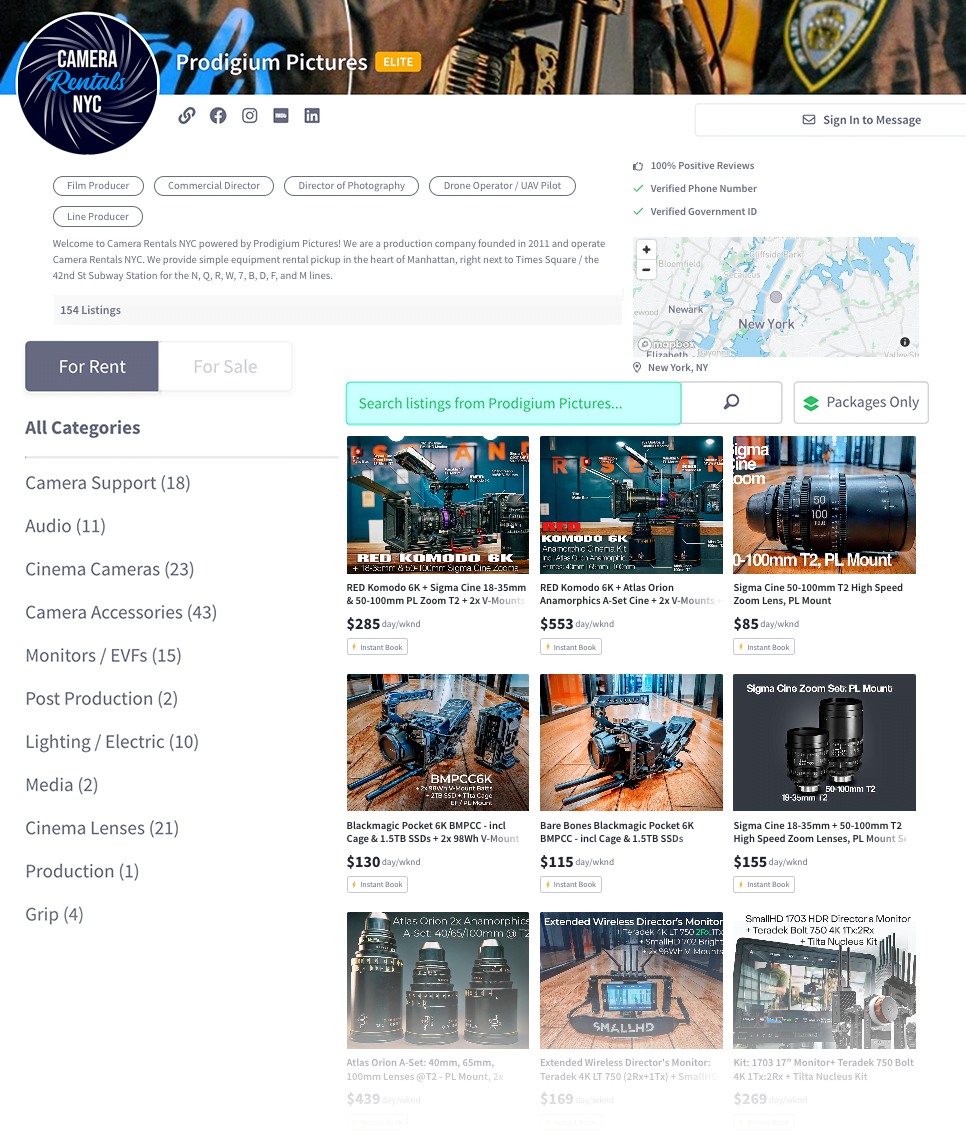
This is our rental interface on SG. Double-check you’re renting from us – Camera Rentals NYC powered by Prodigium Pictures.
Instead of filling out physical paperwork or signing numerous PDFs via multiple emails, it’s all done on a mobile-friendly platform. You’ll use a digital shopping cart to select the gear.
Important Instructions:
Make sure to have your ID ready to get your identity verified if you don’t have an account yet.
You can upload insurance onto the platform; if you don’t have one, you can get insured through ShareGrid.
Their verification team is online only during the work week, so make sure to get verified during business hours.
Oh, and if you’re in a rush – just use the chat button on the right bottom of the website, that’ll let them know you need expedited attention.
PS: We’re not affiliated with ShareGrid, we just use them as our secondary rental platform.
What kind of equipment can I rent from you?
We carry just about everything you’d need in the camera department – and at the same time, are proud to say that all our gear is battle-tested on our own productions. That means, all the kits are accessorized in an intelligent, real-world way.
Are there discounts for weekends or weekly rentals?
You’re in luck – we do offer time-based discounts!
Weekends (Saturday+Sunday) are billed as 1 rental day
Weekly rentals are billed as 4 days.
More about those discounts on our pricing policy page. Next to that, if you’re a returning renter, we often have special offers with up to 20% off your second rental with us. Just inquire about it when you make the rental request!
What are the insurance requirements?
Every rental needs to either be insured or have a security deposit attached to it. If you already have insurance, you just send us a COI; if you don’t have insurance yet we offer 3 options:
You can bind a new equipment rental insurance policy, and we have a few insurance vendors’ contact information ready for you
For smaller orders, we can hold a security deposit for you
You can rent through ShareGrid and use their order-based insurance.
Trustindex verifies that the original source of the review is Google.
Amazing company! The airline lost my bag with all my gear, and I had an interview the next day. I’m so glad they had everything I needed — I headed to their office and picked up stands, a tripod, and lights. Incredible customer service!!!
Posted on Google
Julien Hawthorne
Trustindex verifies that the original source of the review is Google.
Extremely easy, professional, and communicative.
Posted on Google
Danny Vista
Trustindex verifies that the original source of the review is Google.
Awesome company , awesome people 10/10
Posted on Google
Wil Kauffman
Trustindex verifies that the original source of the review is Google.
Amazing to work with. When my client changed plans last minute, these guys rolled with the punches and even sourced equipment they didn't have available. I'd go to them again in a heartbeat.
Posted on Google
Jean-Michael H.
Trustindex verifies that the original source of the review is Google.
The team at Camera Rentals NYC made the process of securing a few lenses for an engagement shoot so seamless. Sam was a great help last minute and provided great service in a timely manner! I’m really happy with my experience and will definitely be renting from them again. 10/10
Posted on Google
Hannah Oh
Trustindex verifies that the original source of the review is Google.
Rented a camera body twice from Camera Rentals NYC and had a great experience both times. Reliable gear, good communication, reasonable rates, easy local pick up and drop off. Would rent from them again!
Posted on Google
saad boumkahal
Trustindex verifies that the original source of the review is Google.
I just rented a FX3 with lense and RS2 gimbal with the whole package, very new, professional equipment with an amazing customer service. Definitely will rent again 👌
Posted on Google
Daryl McCoy
Trustindex verifies that the original source of the review is Google.
It was a great experience, easy to use and definitely will rent again.
Posted on Google
Linds Cadwell
Trustindex verifies that the original source of the review is Google.
Absolutely great time renting with this company! A last minute order and was able to pick up the same day, make equipment switches at the location, all with great prices. Huge fan!
Use the discount link and get your ID verification through ShareGrid. It’ll take you 10 minutes, and they usually verify within 2 hours during the week.
INSURANCE A LA CARTE
You can use your own insurance, or use ShareGrid’s – all up to you and keeps things headache-free.
FAST & CENTRAL PICKUP
Pick up and drop off your Cinema Equipment Rental right off of Times Square in a calm office building.
About the Cinema Camera Comparison Tool
The Cinema Camera Comparison Tool is hosted by Camera Rentals NYC. We rent out all the cameras you can compare in our tool – feel free to reach out or reserve them online!